| Open the Material Editor. Select the material which is assigned to the object you are interested in. Open up the Maps Rollout panel and select the diffuse map button. With the Bitmap map Rollout panel active you can click on the "Show Map in Viewport" button to see the textrue you have assigned in the graphic window. | 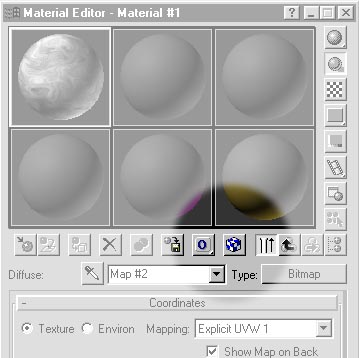 |